New to cloud or moving from on-premises systems
Cloud foundations
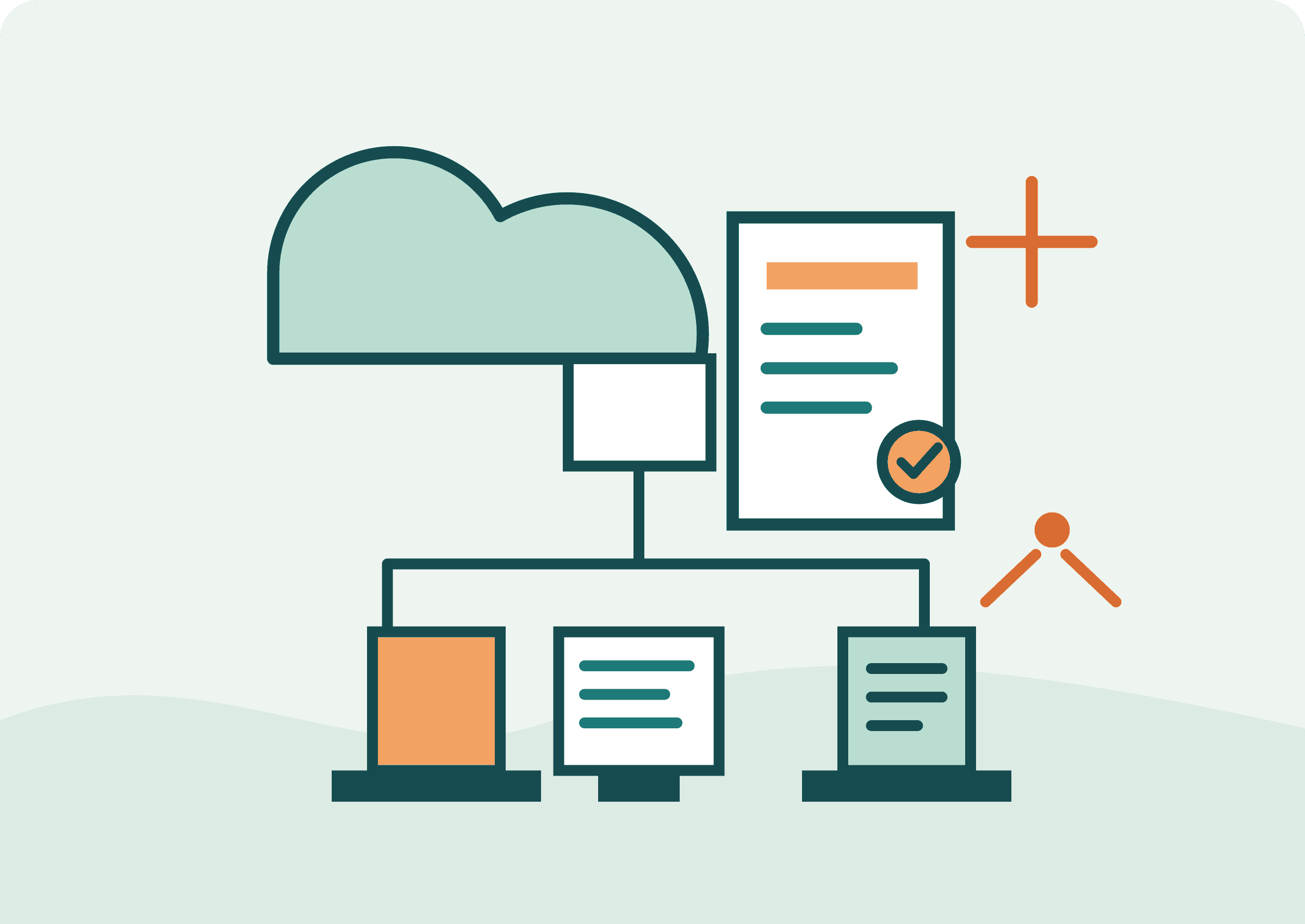
Learn how cloud environments are organized, secured, operated, and paid for before choosing a specific provider.
Explore this courseCloudViva · Learn by building
Practical cloud and DevOps training for developers and small teams—from cloud basics to your first reliable release pipeline.
Beginner-friendly / Hands-on labs / No existing DevOps setup needed
Choose your starting point
New to cloud or moving from on-premises systems
Learn how cloud environments are organized, secured, operated, and paid for before choosing a specific provider.
Explore this courseDevelopers and small teams currently deploying by hand
Start with source control, automate repeatable checks, and build a safe route from a code change to a production release.
Explore this courseDevelopers or operators who want repeatable infrastructure changes
Move from a first Terraform configuration to reusable modules, state management, testing, and careful change review.
Explore this courseDevelopers who want to understand how containerized apps run in a cluster
Follow an application from container image to a running cluster workload, then practice how to expose, scale, update, and debug it.
Explore this courseUpcoming learning batches
Cohort dates and format are being finalized. Register interest and we’ll send the schedule and fees before enrollment opens.
A provider-neutral foundation in cloud architecture, identity, networking, operations, and cost.
Register interestStart with Git and pull requests, then build CI checks and a safe staging release from zero.
Register interestProgress from your first resource to plans, state, modules, tests, and reviewed changes.
Register interestBuild a container, deploy it to a local cluster, then scale, update, and debug it.
Register interestHands-on engineering
Get scoped cloud infrastructure, CI/CD, and security help, with clear deliverables and a direct handoff.
Use the plan explainer and security score to connect lessons to real infrastructure changes.
Paste your Terraform, CloudFormation, Azure ARM, Pulumi or Ansible plan output. AI explains every change in plain English with risk levels and recommendations.
Connect your GitHub repo. Get a security score across your Dockerfile, K8s manifests, CI/CD pipelines, and IaC — with actionable fixes.
Start with cloud foundations, a first delivery pipeline, or infrastructure as code.
Use concrete examples to understand the workflow before applying it to a real system.
Use the checklists and free tools to review changes and make the next release safer.
Build a clear foundation without assuming prior platform experience.
Move from manual releases toward tested, repeatable delivery.
Learn access, backups, monitoring, and cost-aware operations as you grow.
Make infrastructure changes easier to review and repeat across environments.
Use the free plan explainer or security score alongside the training paths.